Panescope vs Sizzy vs Polypane: which responsive testing tool fits you?
An honest comparison of three multi-device testing tools: what each one is, what it costs, where it shines and who should pick which.
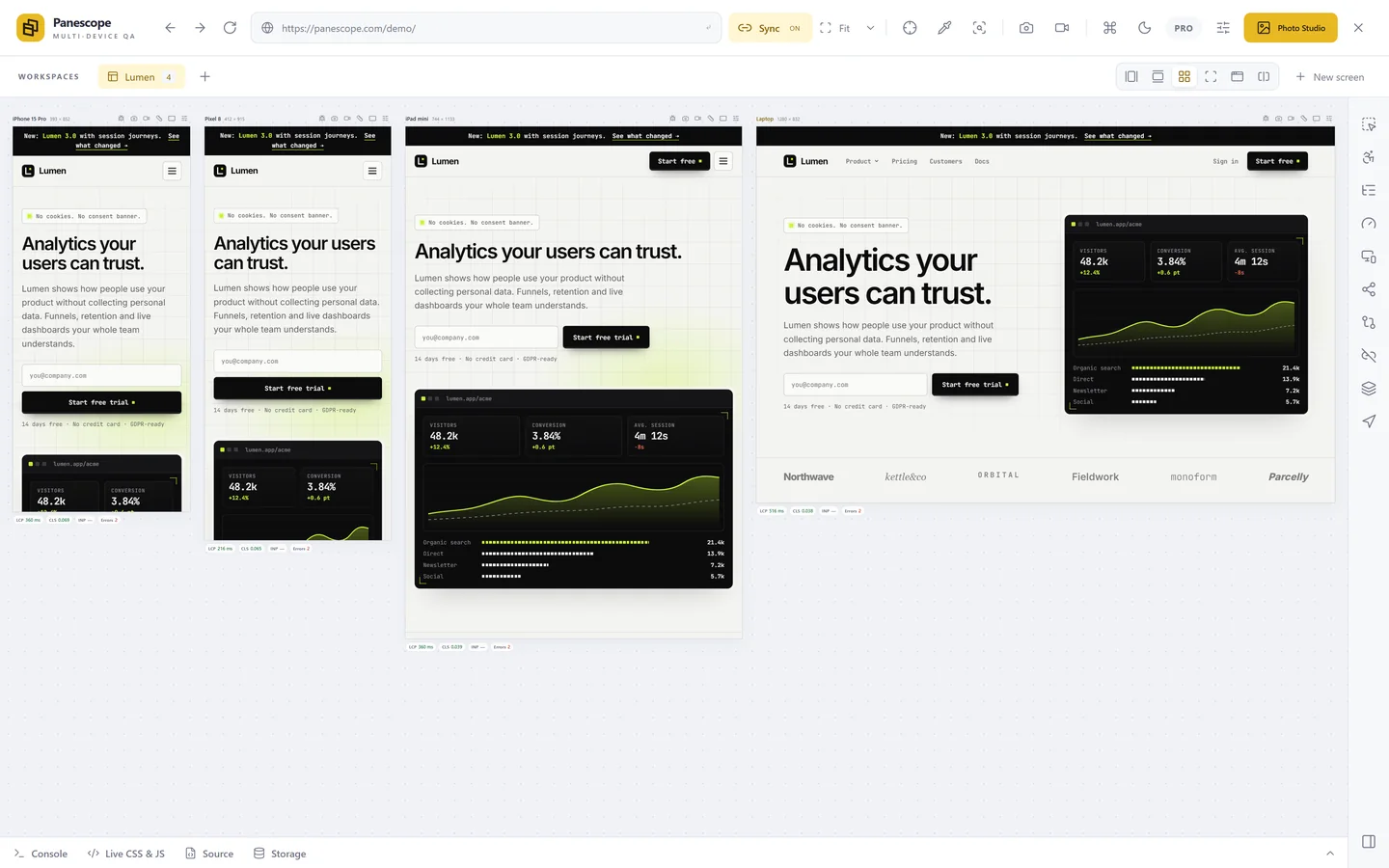
Sizzy, Polypane and Panescope all solve the same problem: you want to see a page on a phone, a tablet and a laptop at the same time, and you want them to move together while you work. They take different routes to get there, and the route matters more than the feature lists suggest.
The short answer
- Pick Panescope if you want to stay in the Chrome you already use, with your logins, bookmarks and extensions, and you want a free plan or the lowest price.
- Pick Polypane if you want a dedicated browser with a long track record and deep accessibility and quality tooling, and a separate app is fine for you.
- Pick Sizzy if you want a dedicated browser that isolates every device's session (separate cookies and storage), with built-in developer extras such as an API client and terminals.
At a glance
| Panescope | Sizzy | Polypane | |
|---|---|---|---|
| What it is | Chrome extension | Desktop browser (Chromium) | Desktop browser (Chromium) |
| Runs on | Any computer with Chrome | macOS, Windows, Linux | macOS, Windows, Linux |
| Free plan | Yes, up to 3 screens | No | No |
| Trial | 3 days of Pro, no card | 14 days, no card | 14 days, no card |
| Price, monthly | $9 | $15 | €12 |
| Price, yearly | $79 | $144 | €108 |
| One-time option | No | $499 lifetime | No |
| Uses your own Chrome profile | Yes | No, a separate browser | No, a separate browser |
The real difference: extension or browser
Sizzy and Polypane are browsers in their own right. You install an app, open your site in it, and it shows several viewports side by side. Because they own the whole browser, they can do things an extension cannot, such as giving every device a completely separate session, or adding panels that have nothing to do with the page.
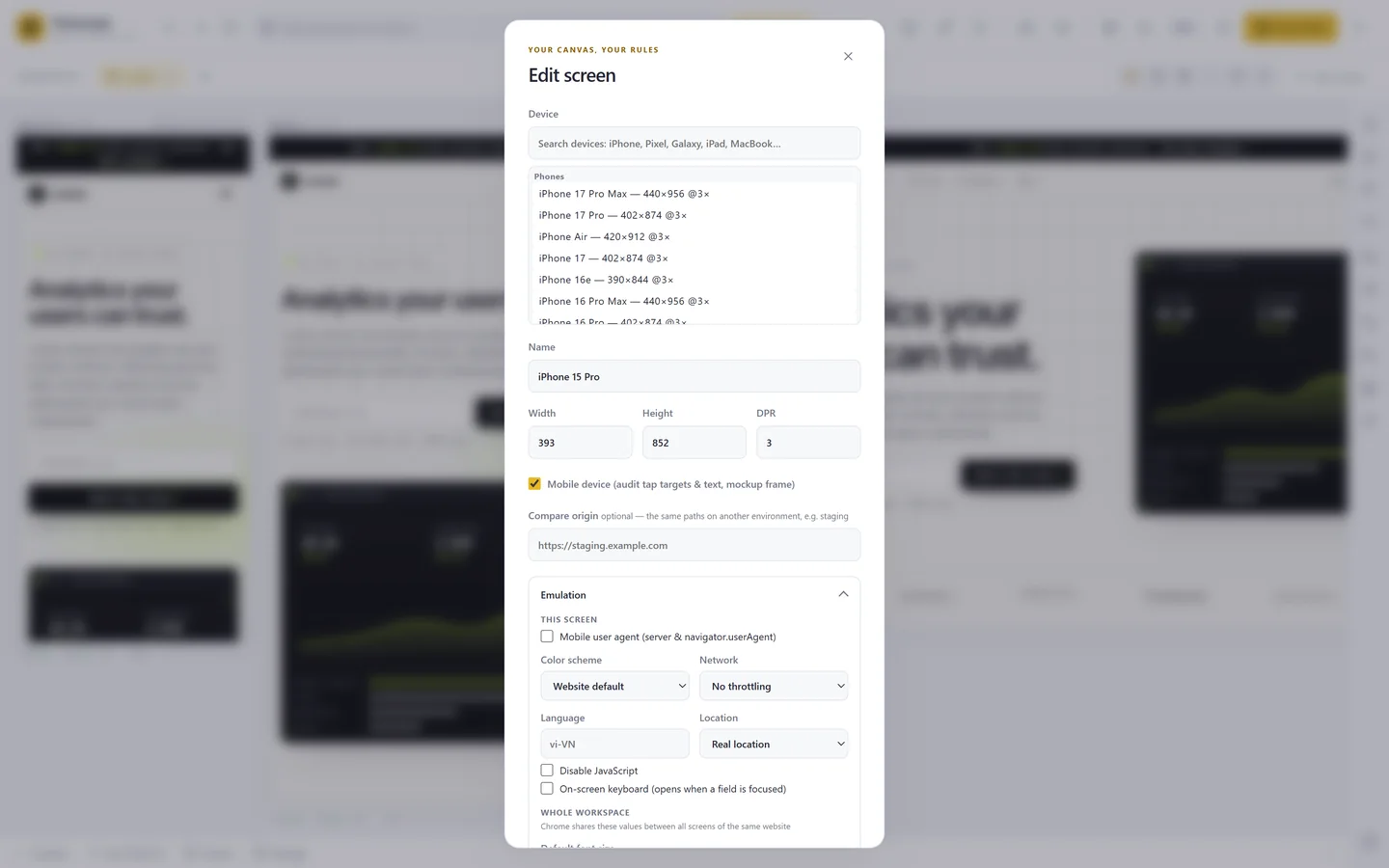
Panescope lives inside Chrome. Click its icon on any tab and that page opens in a workspace of real screens at their exact CSS sizes and pixel ratios. Nothing to install beyond the extension: the screens share the cookies of your Chrome profile, so a staging site you are already signed into in Chrome usually opens signed in. The trade-off is that screens on the same site share that session; if you need to be logged in as two different users at once, a browser with isolated sessions is the better tool.
Syncing and layouts
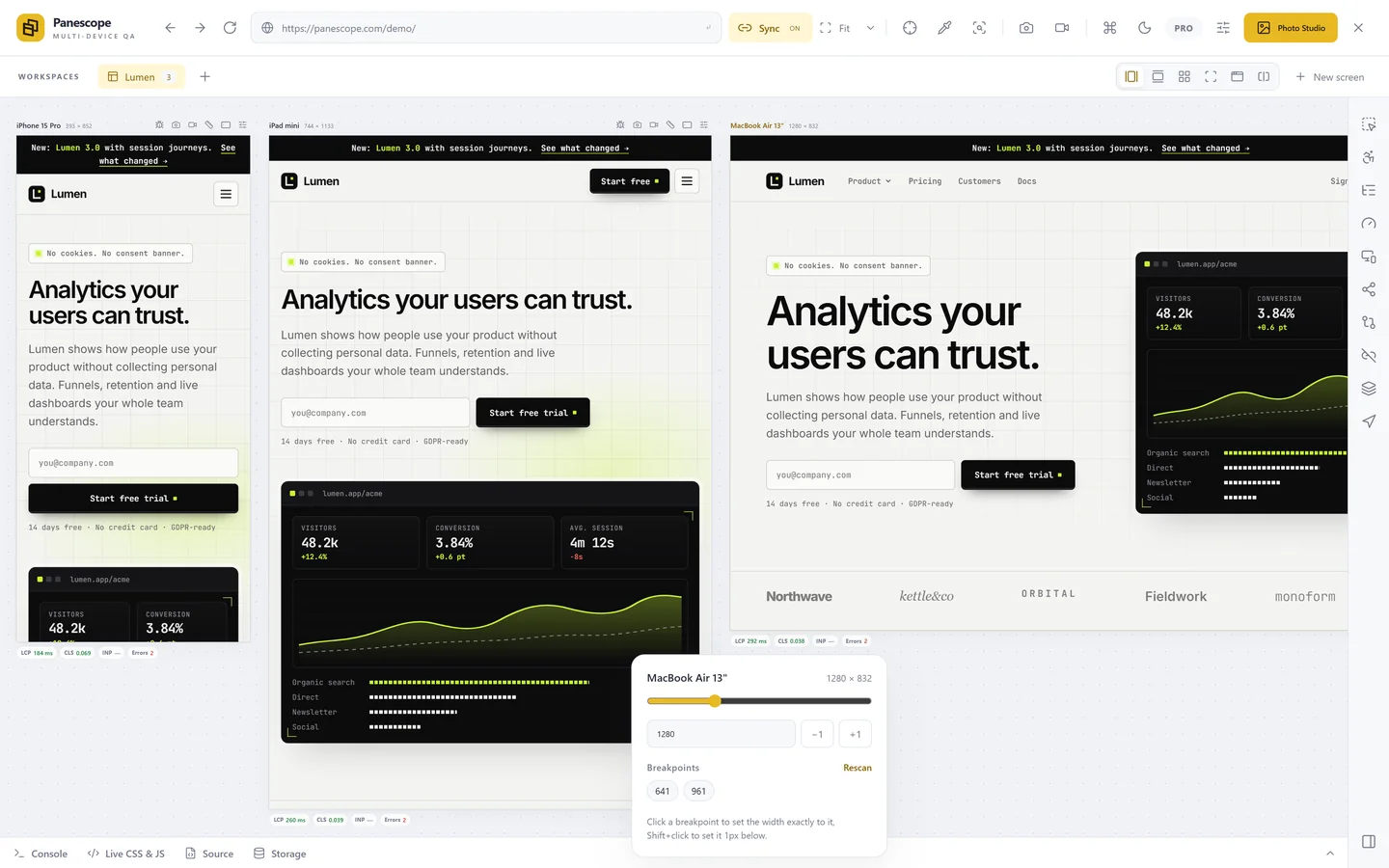
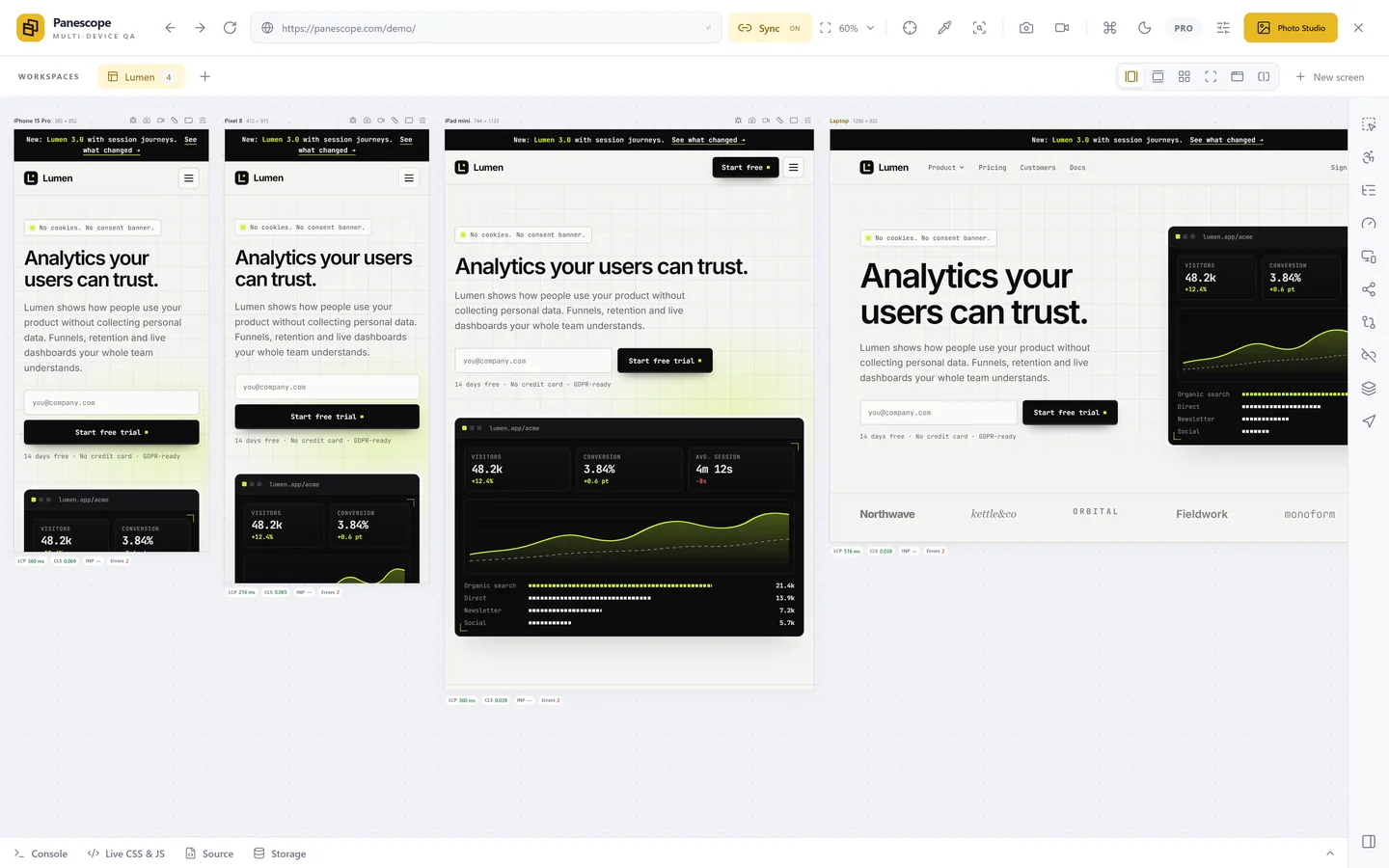
All three keep the screens in step: scroll one and the others follow, click a link and every screen navigates, type in a form and the text appears everywhere. Panescope also mirrors hover, so a CSS :hover menu or a JavaScript tooltip opens on every screen at once, and lets you switch each kind of sync on or off. It has six layouts, from a row of screens to a split view that puts production next to staging.
Debugging and accessibility
Polypane is known for its accessibility and quality checks, and lists accessibility auditing, emulation and SEO checks in every plan. Sizzy leans towards developer workflow: a debugging panel with console and DevTools, storage editing, CSS overrides and an API client.
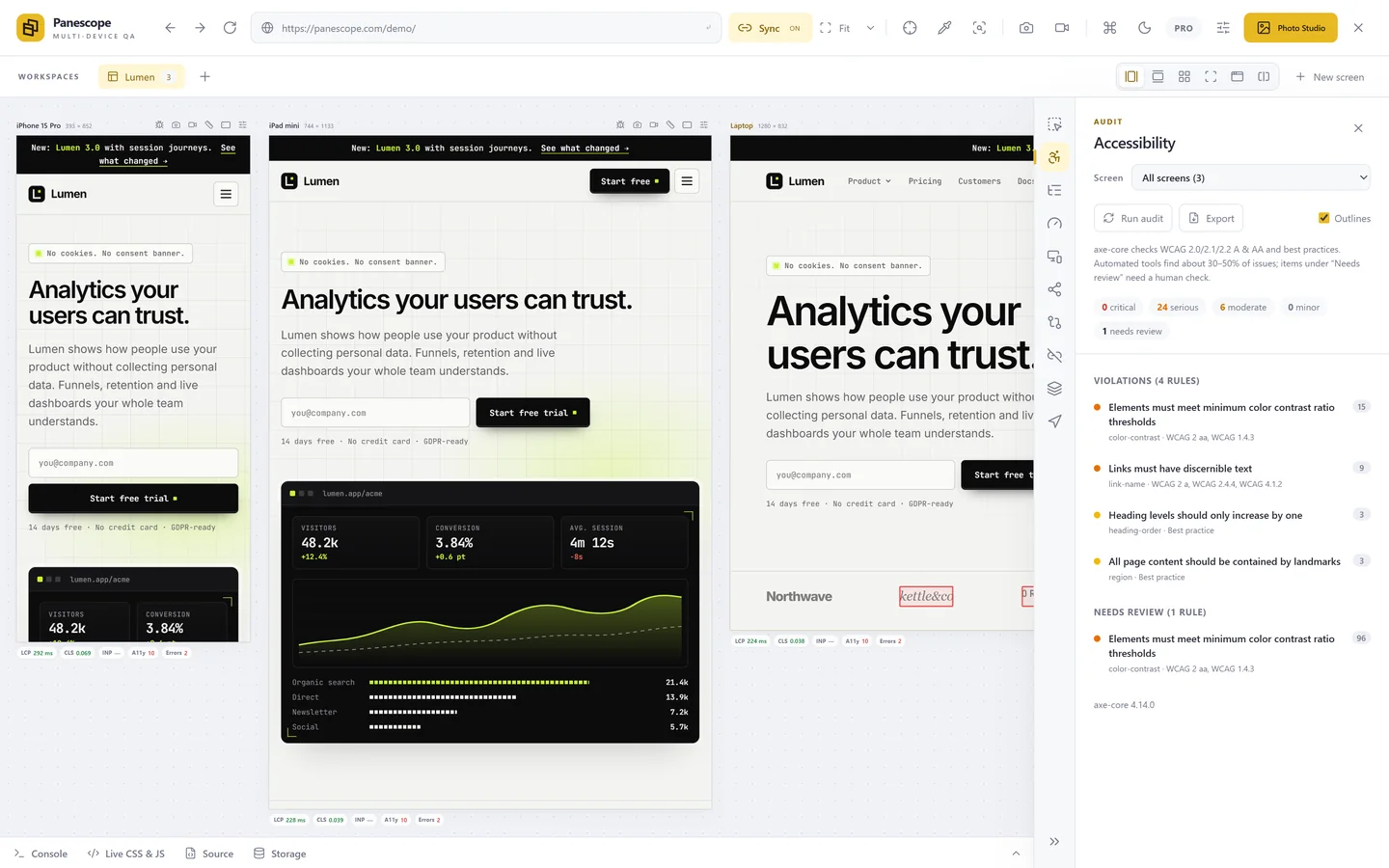
Panescope covers both sides inside the extension: an axe-core WCAG 2.2 audit on every screen, contrast and target-size overlays on the live page, 42 visual debug tools (from colour-blindness simulation to a 3D view of stacking contexts), Core Web Vitals per screen with real-user CrUX data beside them, and a console that merges every screen into one list.
Screenshots, video and handover
All three capture screenshots and video of the viewports. Panescope adds full-page captures up to 16×, device frames drawn at any resolution, annotation, and Photo Studio: a canvas where the live screens become launch images and videos. For handover it writes a self-contained HTML report and a ready-to-file issue with the device, viewport and console errors.
Price
Panescope has a free plan with three screens and the core tools, and Pro costs $9 a month or $79 a year for three devices. Polypane's individual plan is €12 a month or €108 a year, also for three devices, with team plans per seat. Sizzy costs $15 a month or $144 a year, or $499 once for a lifetime licence.
So which one?
If a separate browser fits the way you work and you need isolated sessions or the longest-standing tool in the space, try Sizzy or Polypane; both have 14-day trials. If you would rather keep working in Chrome, start for free and see whether the extension covers what you need. The honest test is a week of your own projects in each one.
Panescope is free for up to 3 screens. Pro for 3 days, no card needed.