42 debug tools. Any screen, one click.
Simulate how people see your page, stress the layout with longer text and hostile CSS, and look inside the stacking order in 3D. Every tool works on one screen or all of them and comes back after a reload.
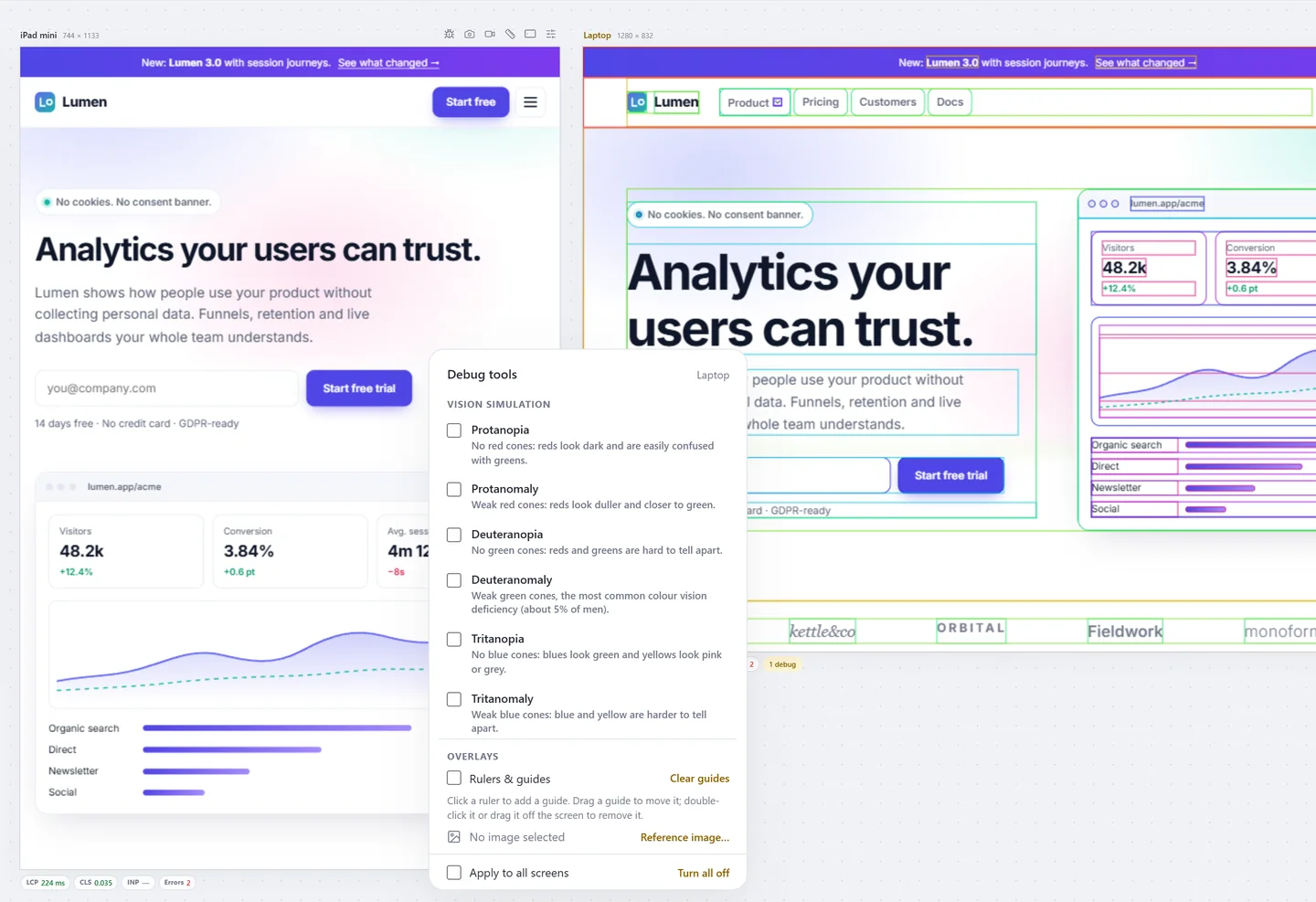
See it the way your visitors do
Eighteen simulations: every kind of colour blindness, blurred vision, myopia, cataracts, glaucoma, tunnel vision, macular degeneration, bright sunshine, photophobia, a dimmed screen and night mode.
- Physiologically based colour-blindness filters
- Apply a different simulation to each screen
- Combine with contrast and target-size overlays
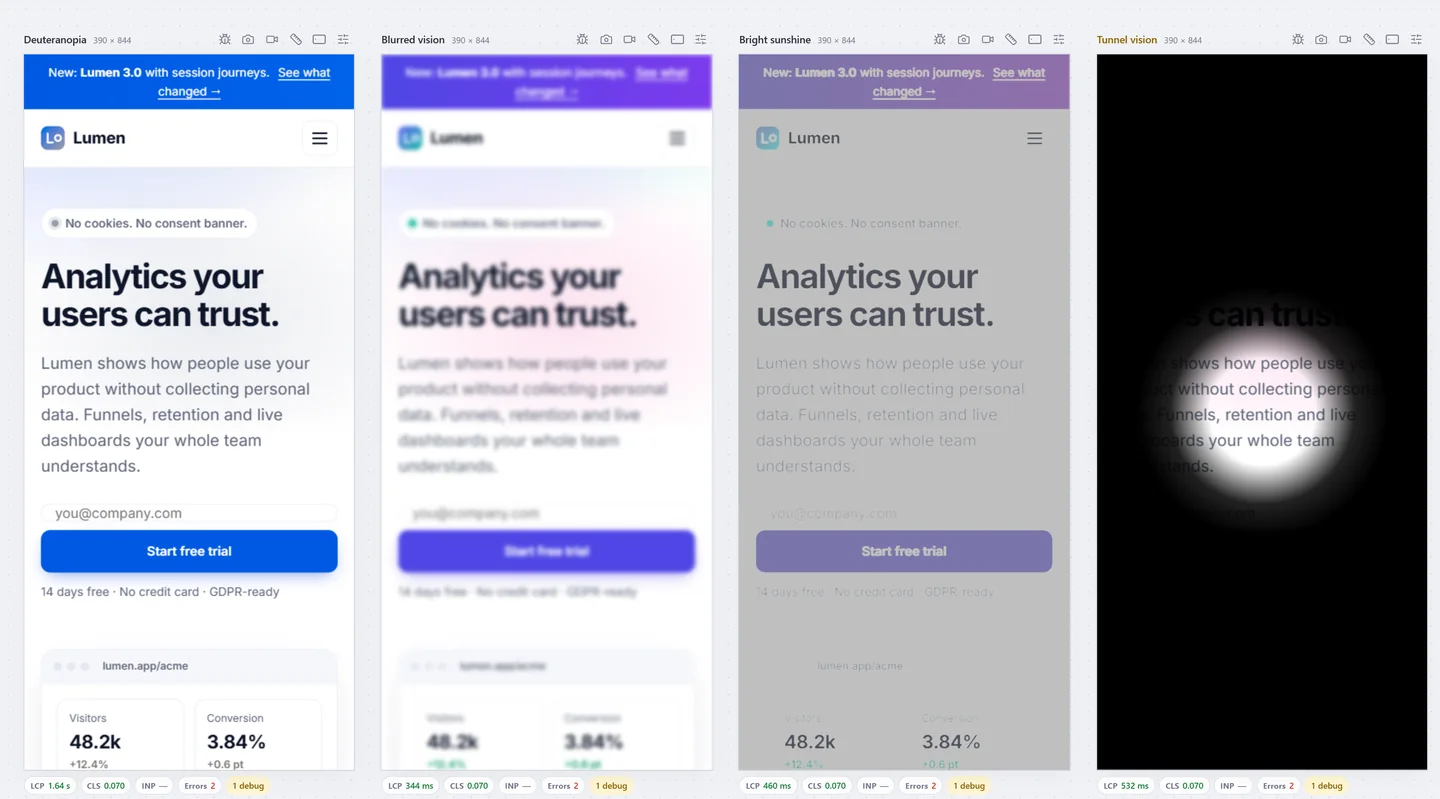
Stacking contexts in 3D
Why is that modal under the header? Panescope pulls the page apart into 3D layers. Stacking contexts in red, z-index in blue; hover a slab to see what created it.
- Drag to rotate, Ctrl+scroll to zoom, double-click to reset
- Reasons listed: position + z-index, opacity, transform, filter, isolation, will-change, contain, fixed and sticky
- The real page is not transformed: measurements stay true
Stress the layout before users do
Real content is longer, translated and sometimes styled by someone else. Try it now.
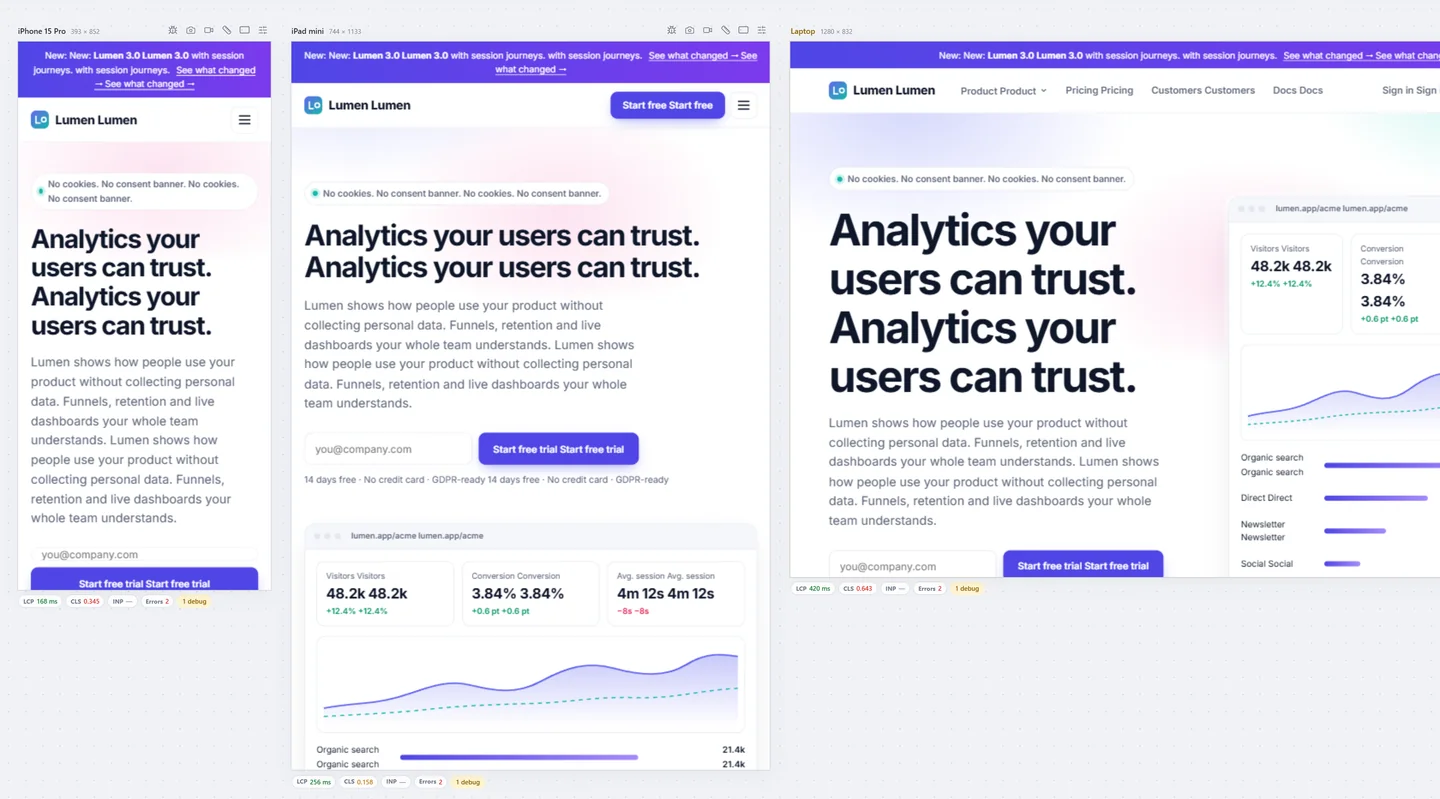
Chaos test. Doubles every text to find clipping and overflow.
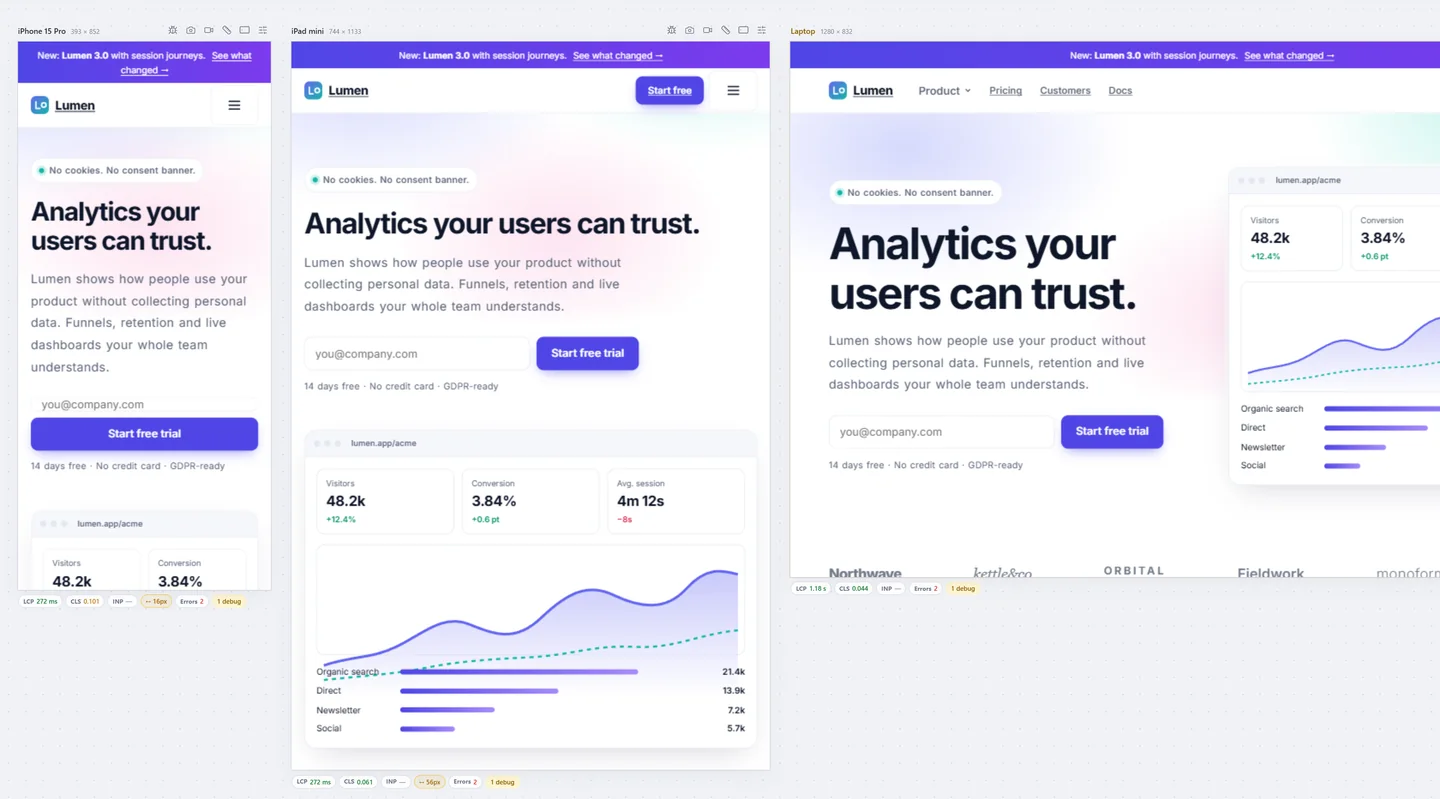
Hostile CSS. Aggressive global CSS, like a CMS theme or a third-party embed.
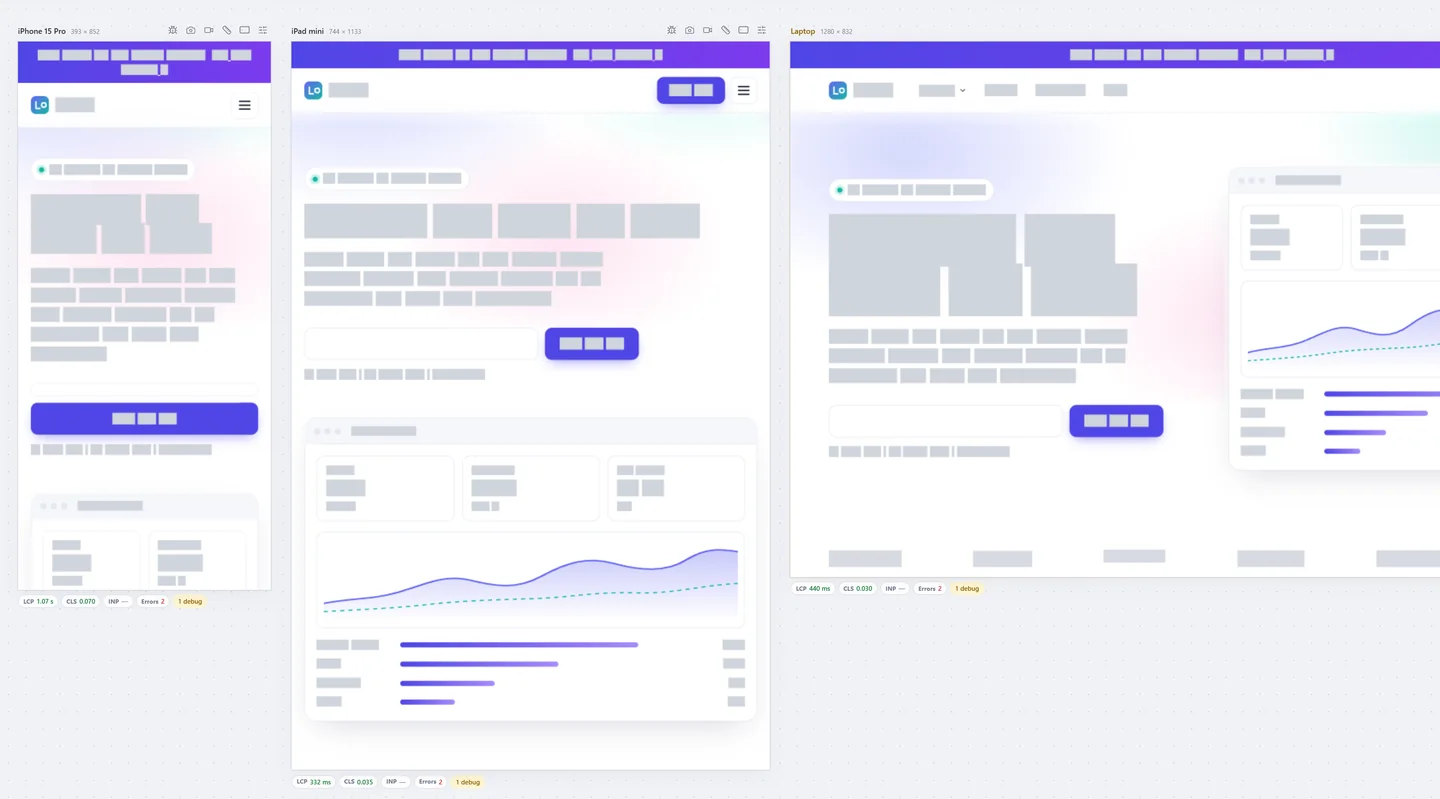
Placeholdify. Text as neutral bars, to judge the layout without the words.
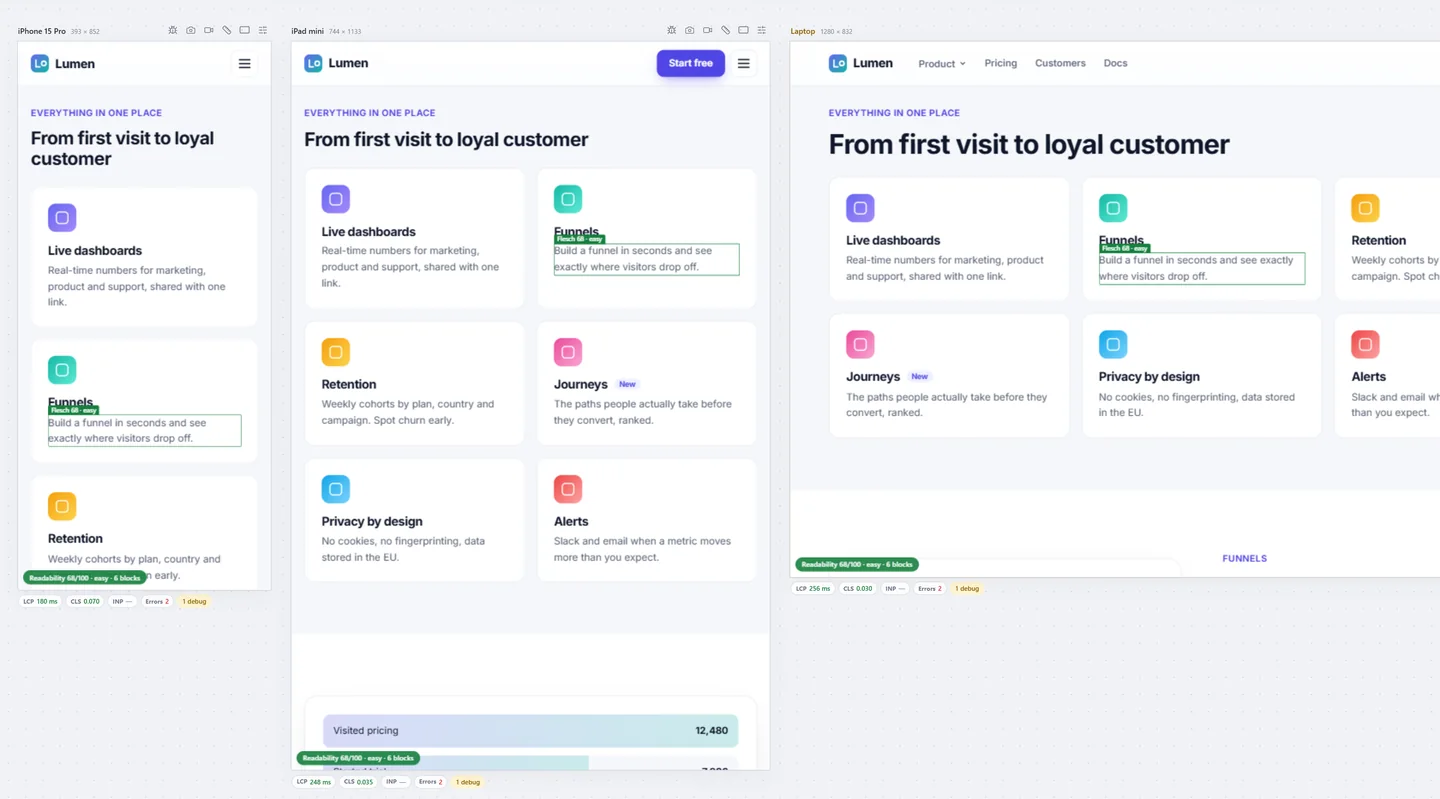
Readability. Flesch Reading Ease (and a Vietnamese formula) for every text block.
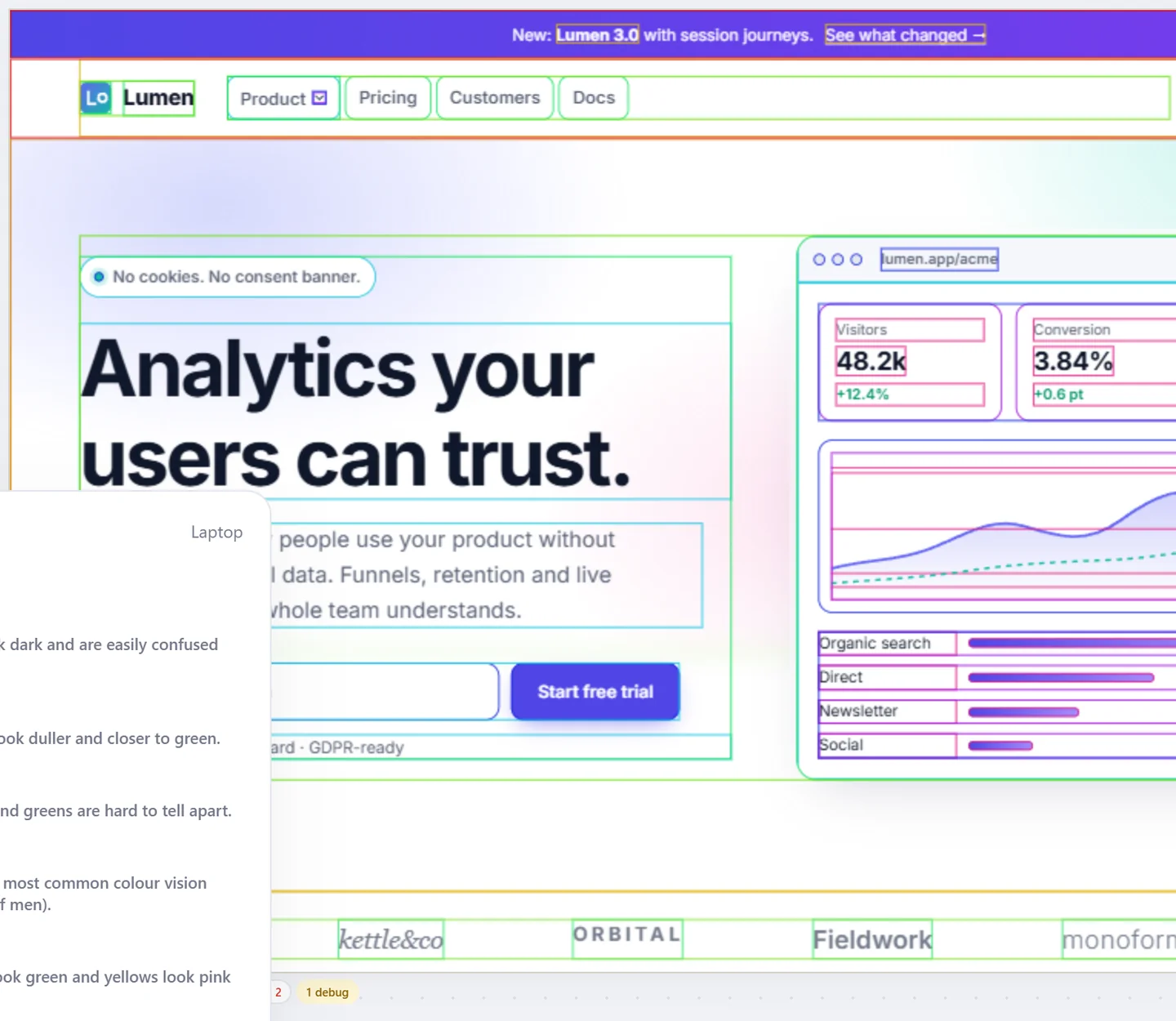
Layout X-ray
Outline every element by depth, label every z-index, turn off CSS or images, and find containers that show scrollbars they don't need.
- Layout outlines coloured by nesting depth
- Show z-index values on the page
- Disable CSS, disable images, unneeded scrollbars
Thumb reachability
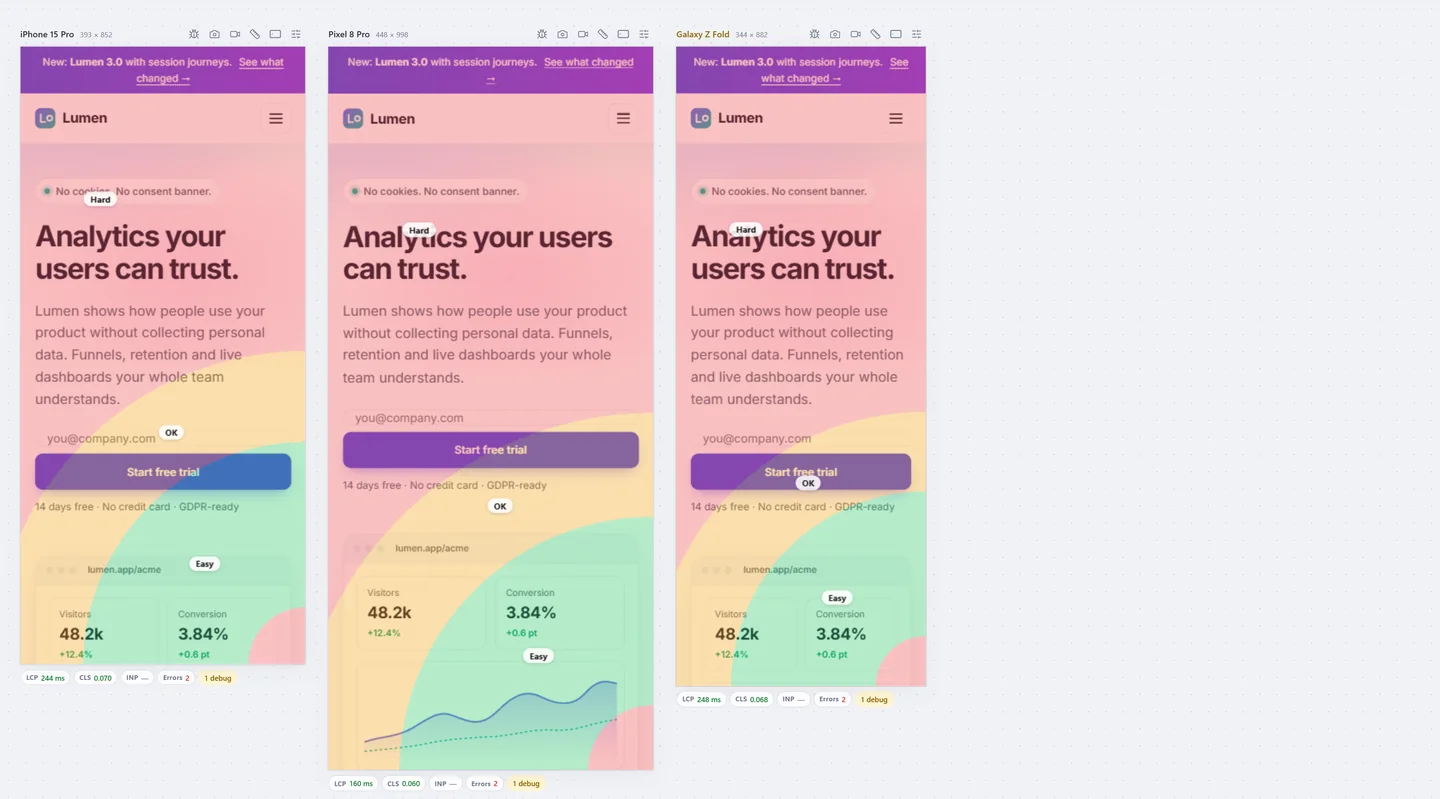
Easy, OK and hard zones for the right or the left thumb, on the phone sizes you choose.
- Right-hand and left-hand maps
- Shown on top of the live page
All 42 debug tools
Vision · 18
Accessibility · 11
Layout · 9
Content · 4
Also in Debug tools
Edit content
Make the page editable and try other copy in place, on every screen.
Rulers, guides, reference image
Overlay a design export with opacity, Difference or Invert, scrolling with the page.
Color picker
Pick any colour on screen and check its contrast against another (EyeDropper).
Test every screen before your users do.
Free to start. Pro for 3 days without a card.