Turn live screens into launch-ready shots.
Photo Studio puts your real, scrollable screens on a canvas. Arrange them in 3D, frame them, write a headline, point at a detail with a callout, save scenes and export a PNG or a video — without leaving the browser.
Drag the screens. Change the background.
A small version of Photo Studio, right in this page: the screens are the Lumen demo, scroll inside them.
See every screen at once.


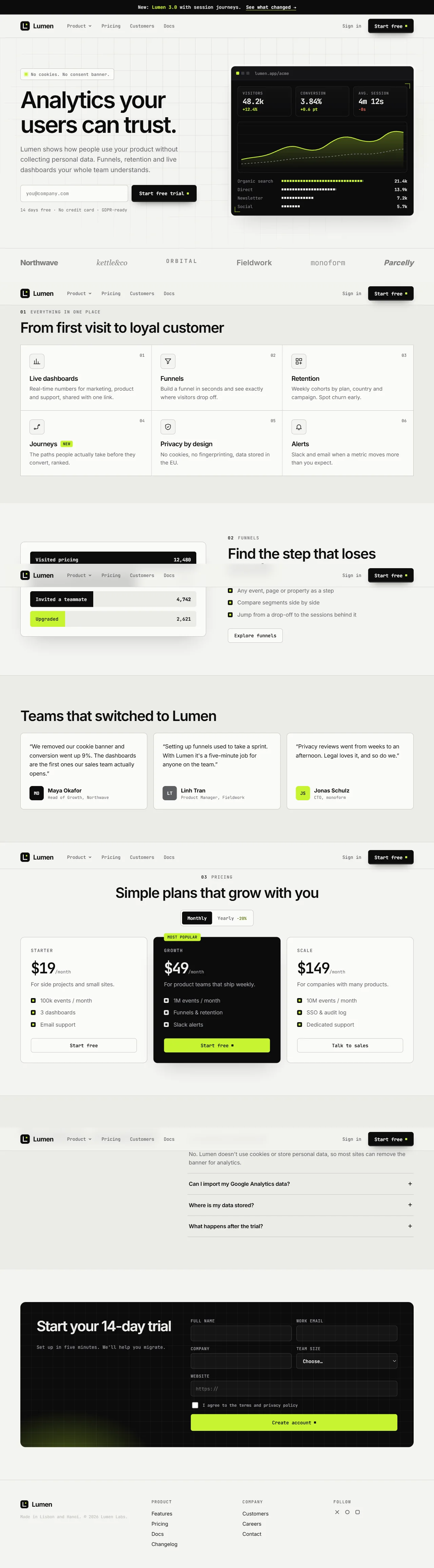
Drag a screen · scroll inside it · click the headline to edit it
Live screens on a canvas
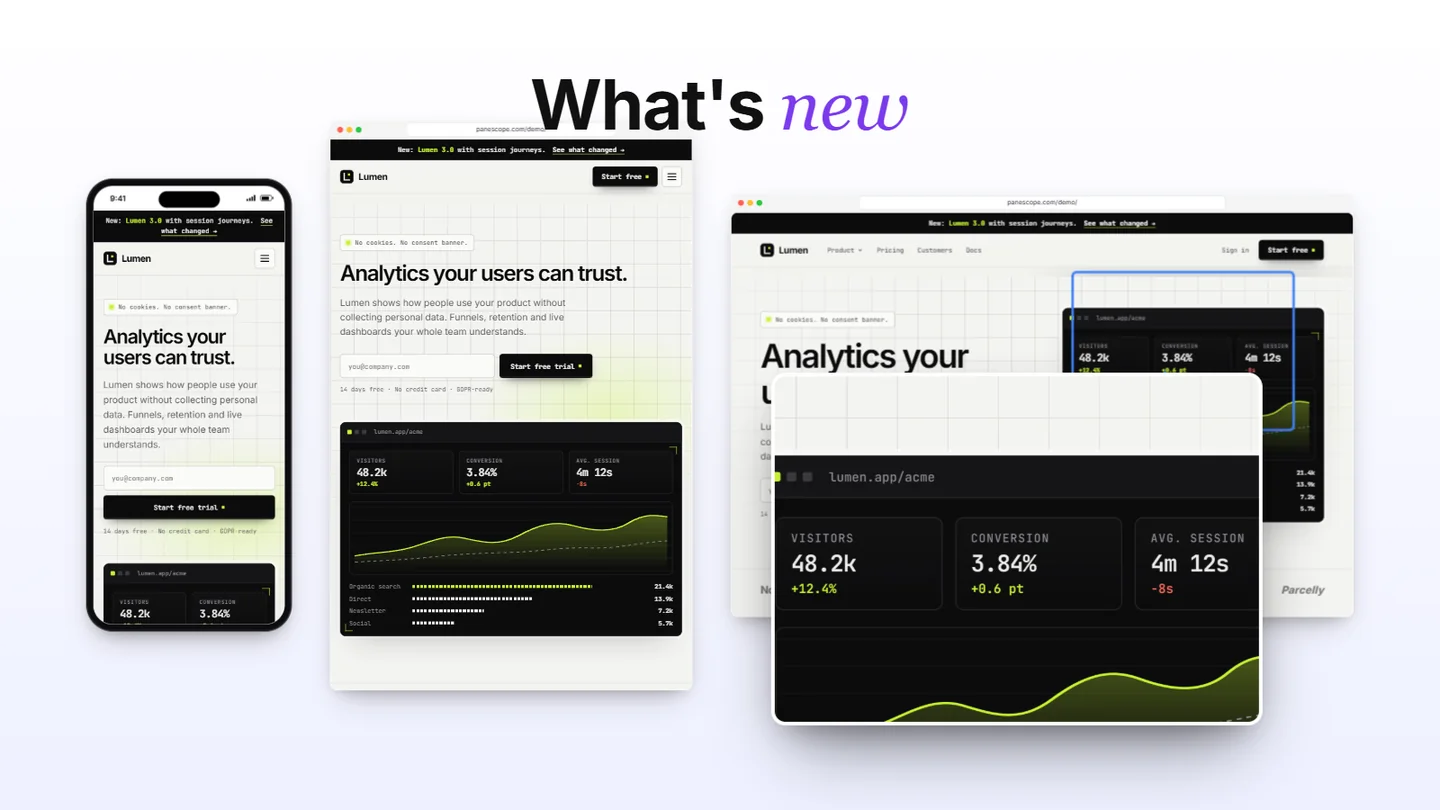
The screens on the canvas are the real pages, not pictures: scroll them, open a menu, type in a form, then frame the moment. Drag to move, pull a corner to scale, use the top handle to rotate.
- Device frame or browser window for each screen
- Scale, rotate, tilt and depth, or one transform for all
- Solid, gradient or image backgrounds
- Headlines with an italic accent, in any font
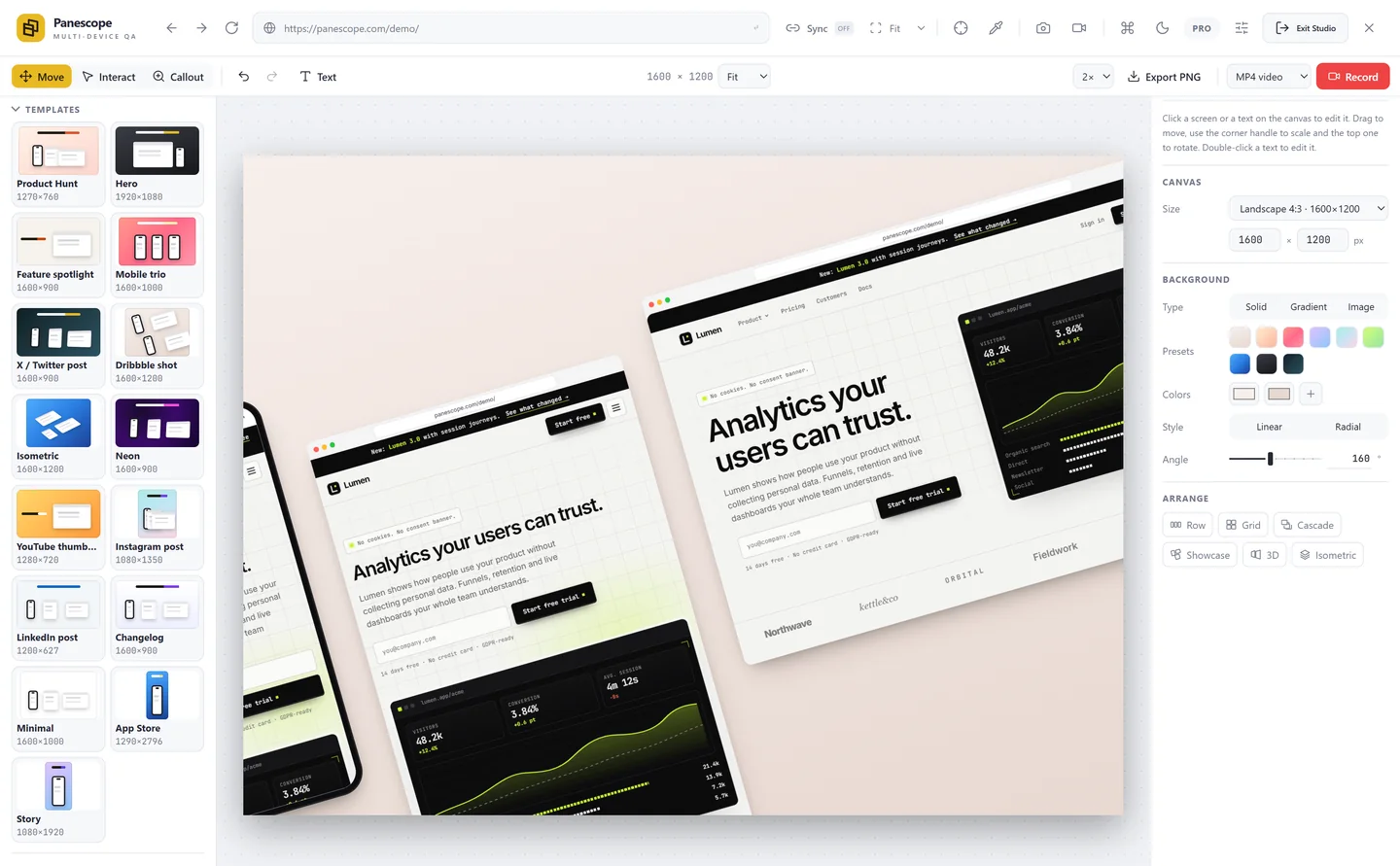
Arrange in one click, or start from a template
Row, grid, cascade, showcase, 3D and isometric, animated as they change. Fifteen templates set the size, background, layout and headline for Product Hunt, X, LinkedIn, Instagram, YouTube, the App Store and more.
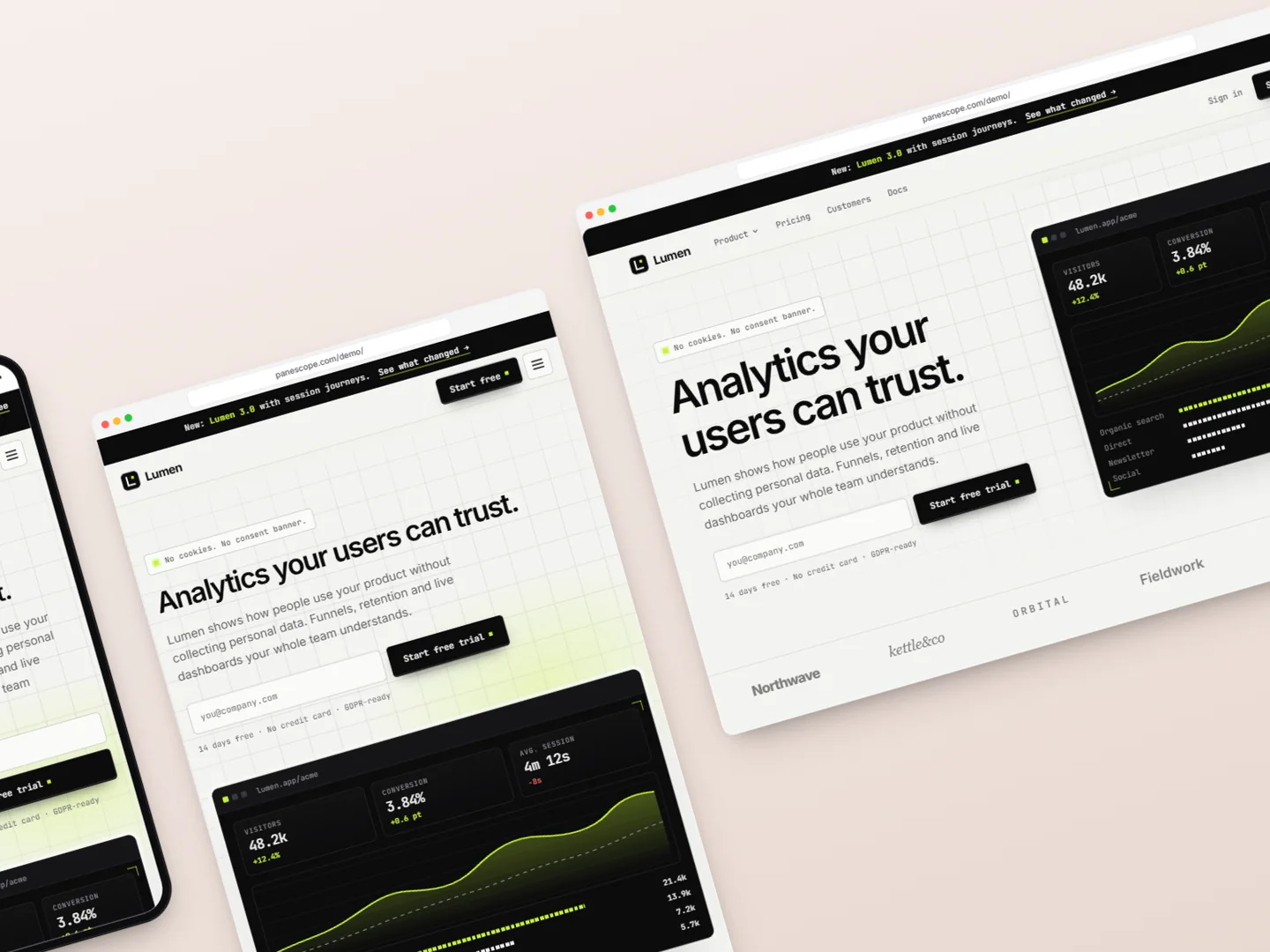
Showcase. Exported from Photo Studio, as is.

3D. Exported from Photo Studio, as is.
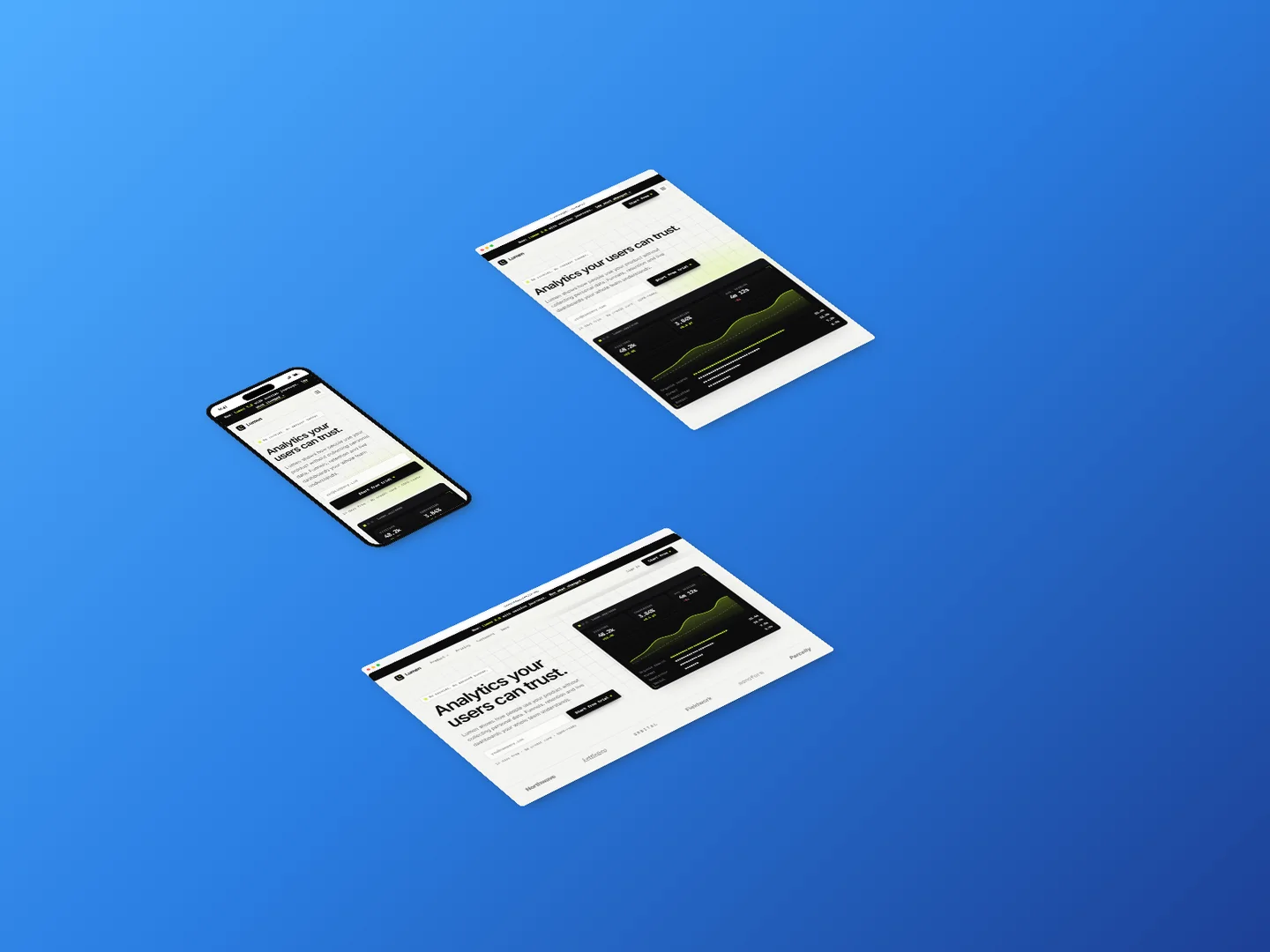
Isometric. Exported from Photo Studio, as is.
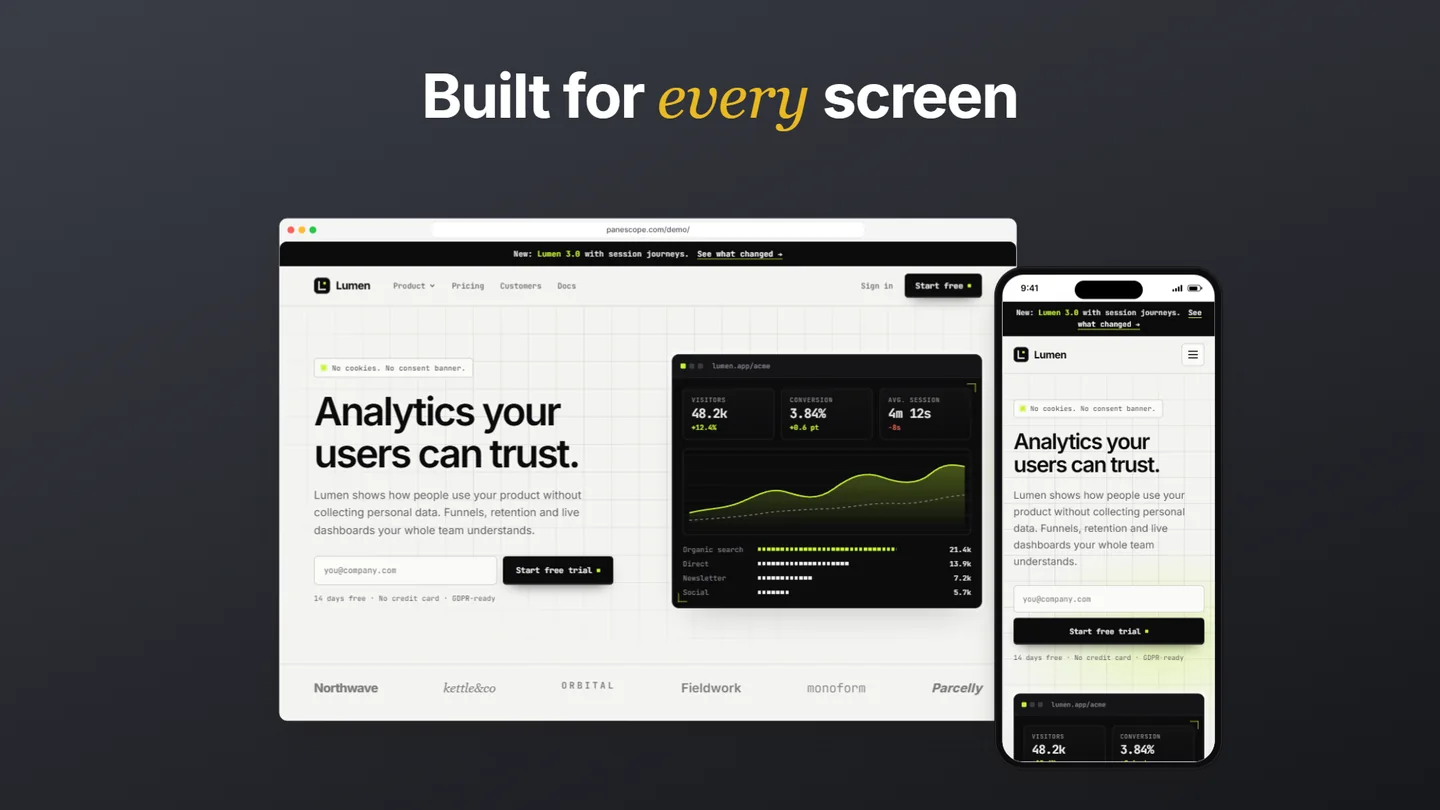
Hero. The Hero template, 1920 × 1080.

Product Hunt. The Product Hunt template, 1270 × 760.
Callouts that point at the detail
Drag over any part of a screen and make a callout: a sharp, enlarged copy of that region with a line back to where it came from. It follows its screen through arrangements, templates and scenes.
- Taken at 4× from the page, so it stays sharp
- Zoom, rotate, tilt, corners, border, shadow and line colour
- Follows its screen, or stays free on the canvas
- Refresh the picture after the page changes
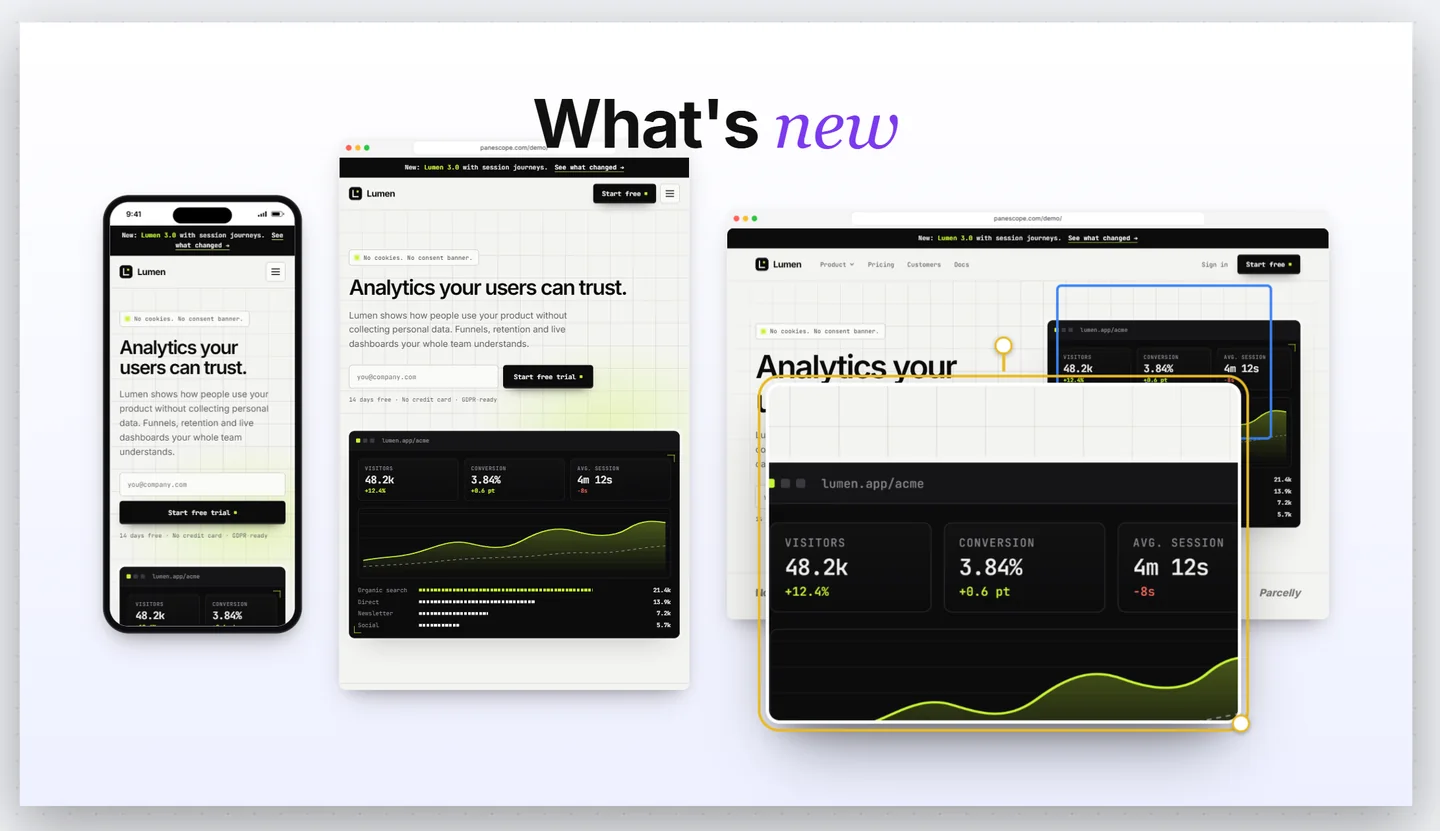
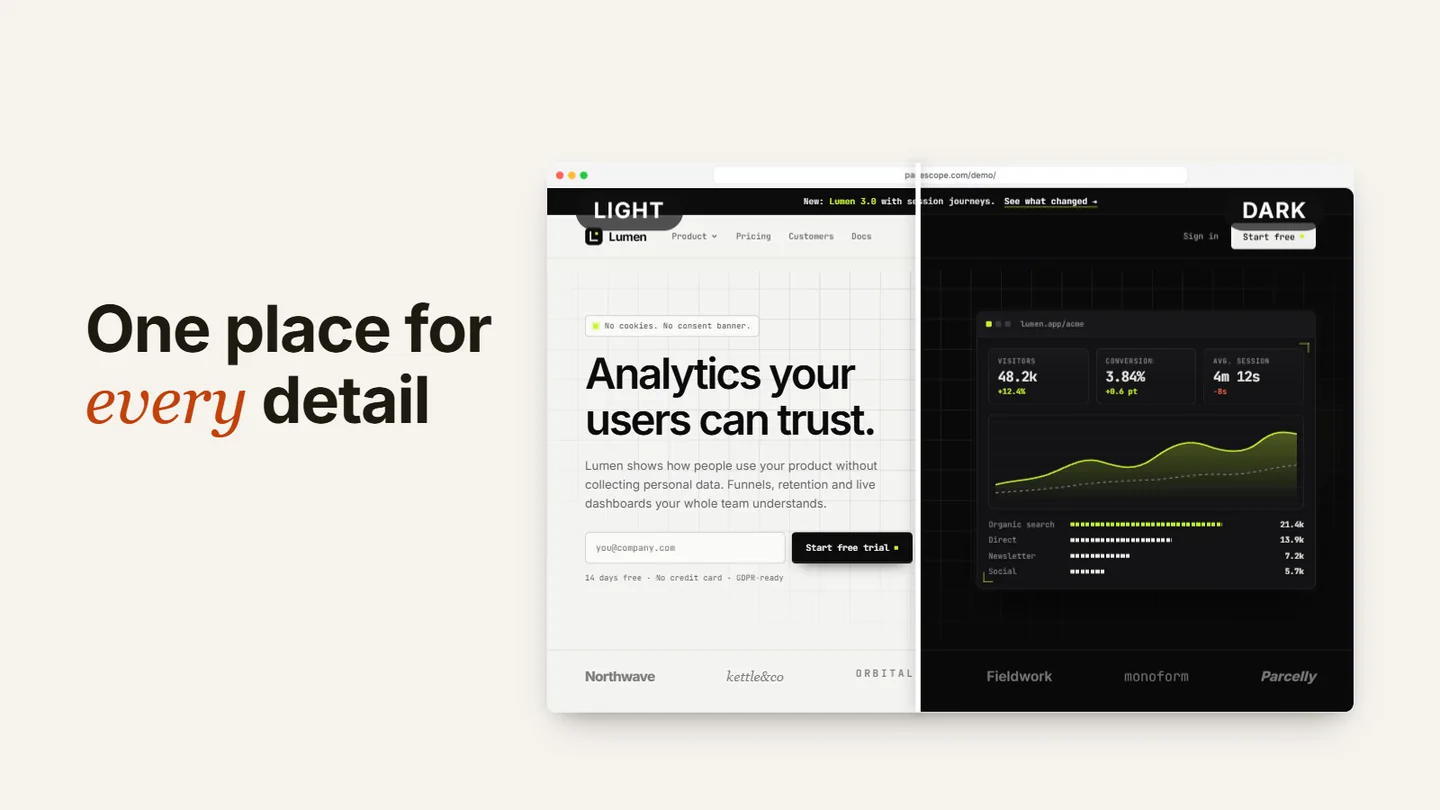
Before and after on one screen
Pair a screen with a copy in dark mode, or with staging, and show both halves split by a divider. In a video, the divider can sweep across.
- Dark-mode copy in one click
- Any other screen as the “after”
- Labels and a sweeping divider
Scenes, played or recorded
Save the canvas as a scene — the layout, the frames, the texts and how far each page is scrolled. Play the scenes as an animation, or record them as an MP4, WebM or GIF.
- Each scene keeps every screen’s scroll position
- Transition time and how long each scene holds
- Record the canvas while the scenes play (Pro)
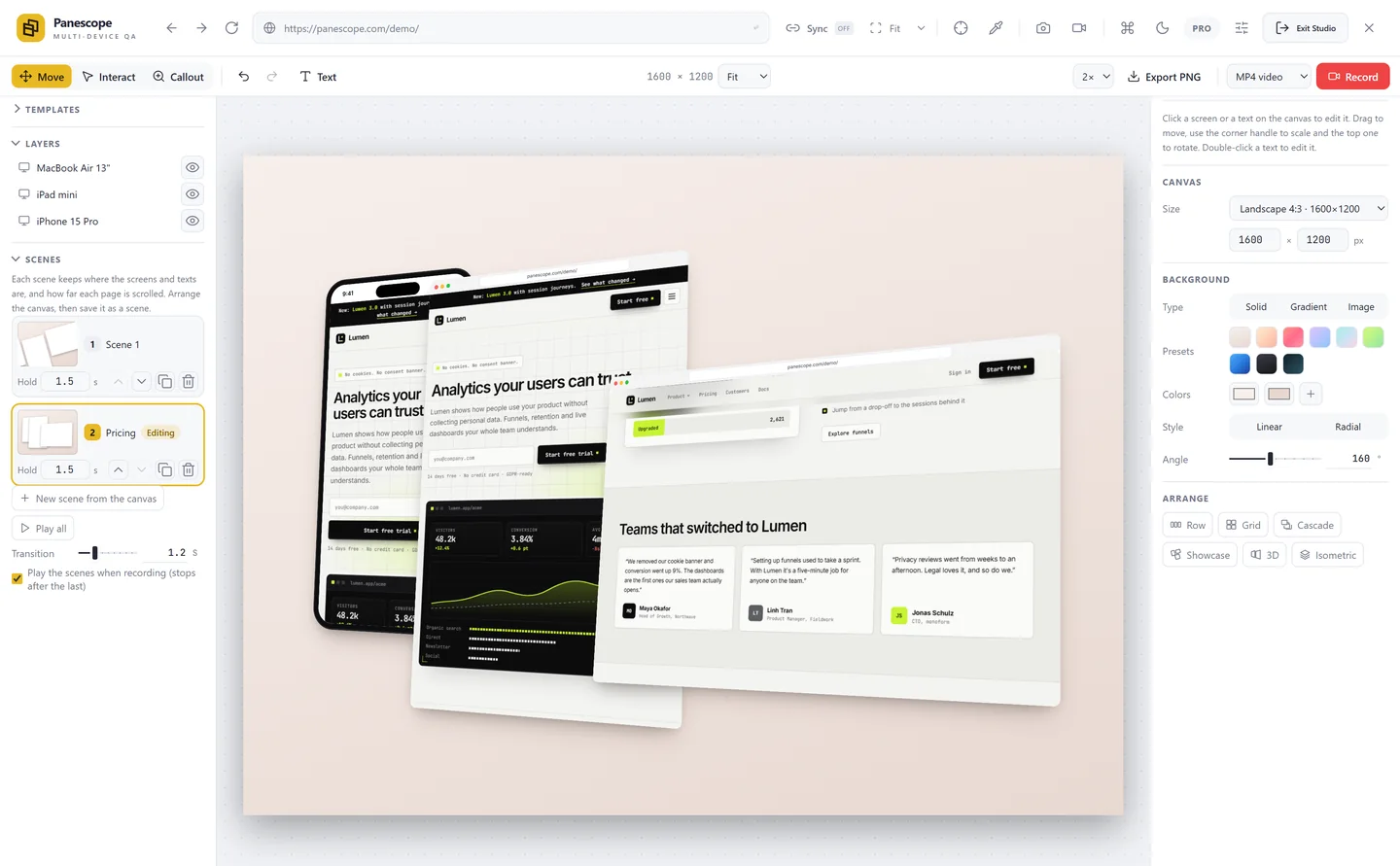
Export, undo, layers
PNG at 1×, 2× or 4× the canvas size. Undo and redo everything, reorder and hide layers, and switch between Move, Interact and Callout with Q, W and E.
- Free: a small “Made with Panescope” mark
- Pro: no mark, and video recording
- Social sizes from 1080 × 1080 to 1920 × 1080
Test every screen before your users do.
Free to start. Pro for 3 days without a card.